Model · Fields, checks, effects, history and syncs
Model
A model is one kind of record and its rules: its fields and links, the checks on every write, the effects after it, its history and its syncs with outside systems.
Read the technical documentationModels
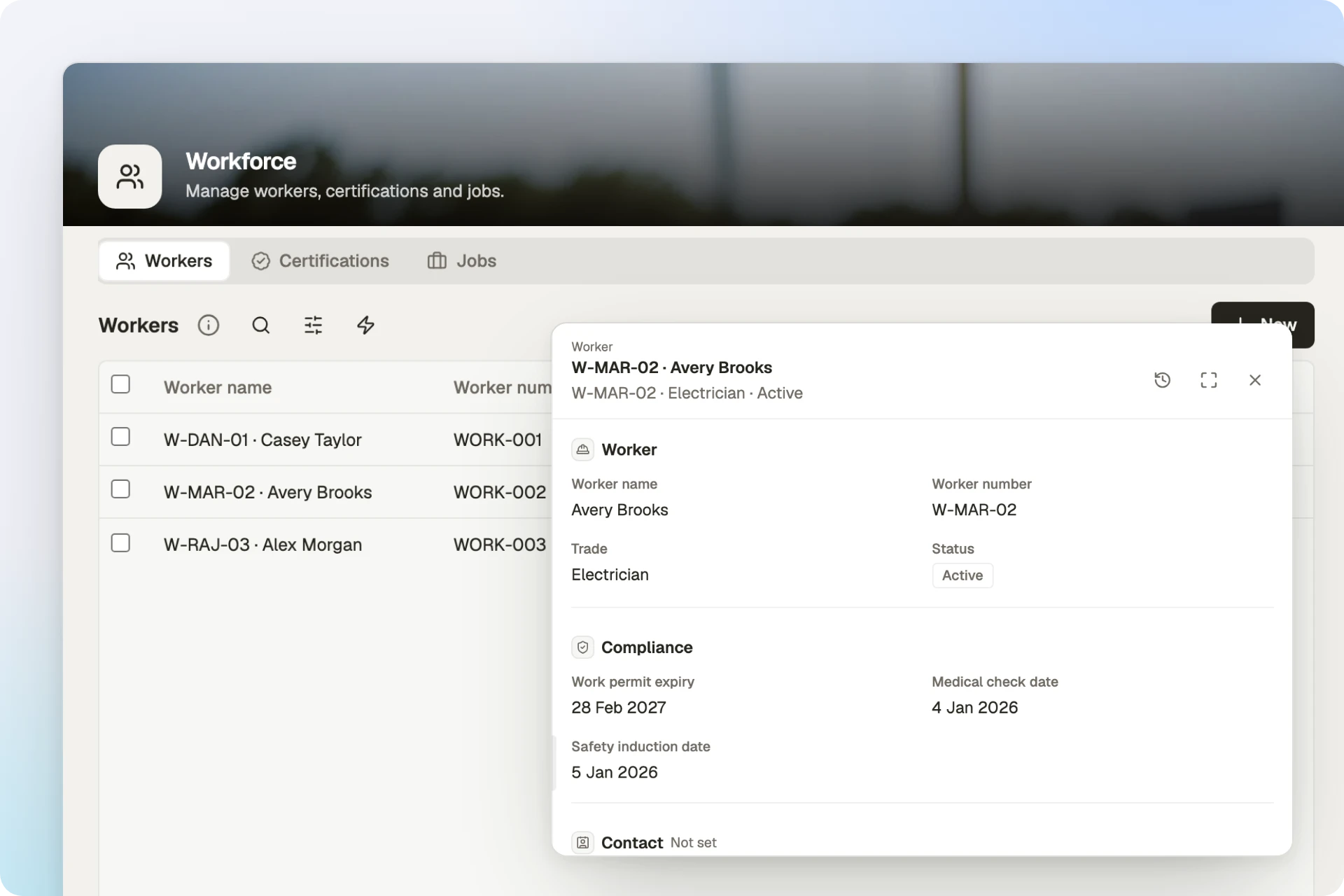
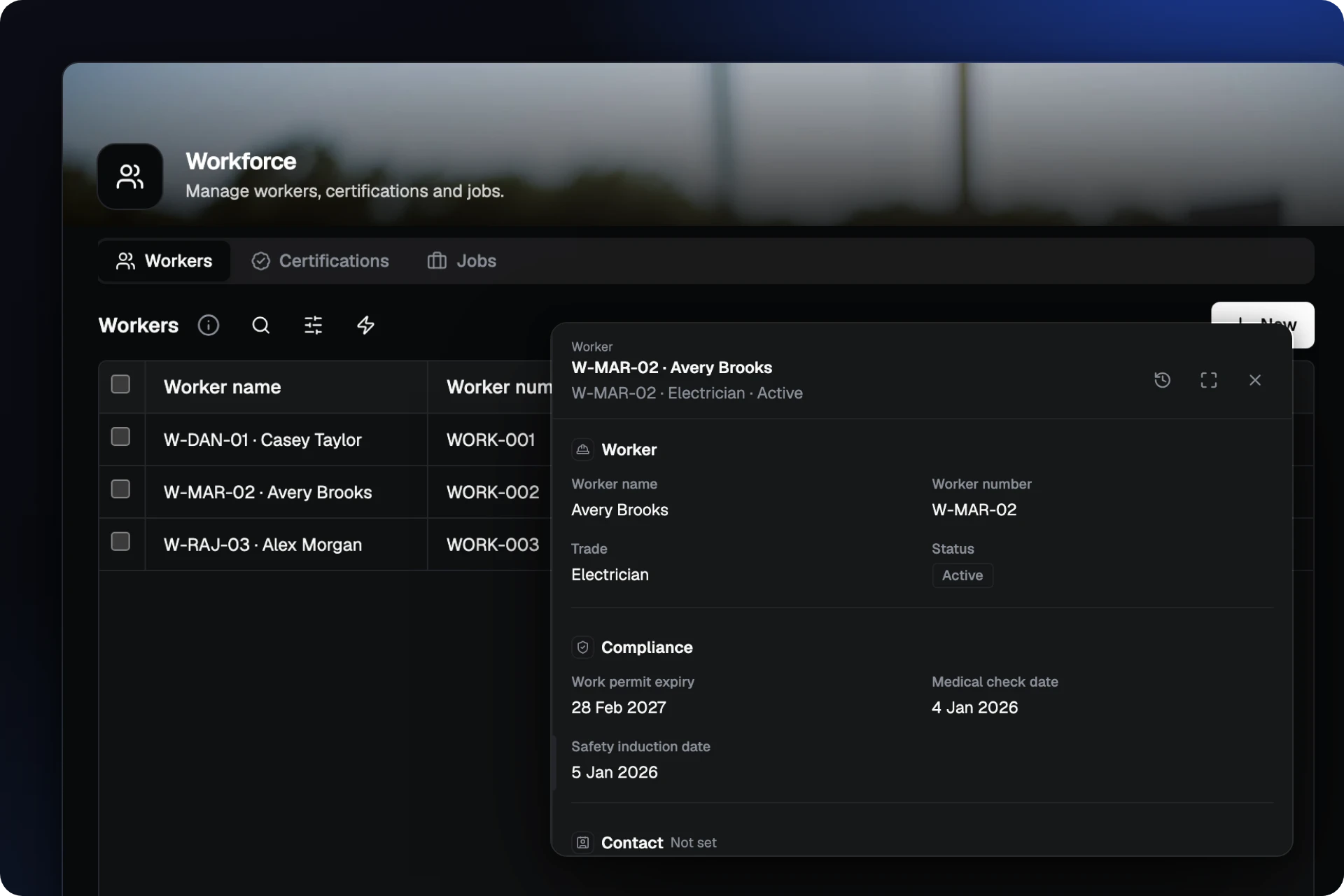
A model is one kind of record: a job, an order, a booking. One file declares its fields, its links to other records, what each audience reads and which columns can be written.
Pages, policies, automations and the agent all use that one declaration, so they agree on the data and its history.
Writes and effects
A model checks each write before it is saved. It can refuse a bad row with a message people understand, or fill in values derived from the others.
Once the write is saved, its effect runs in the background: it sends a notice, schedules a follow-up job or messages a customer.
Read about writes in the Models guide
Reading and writing
A page asks for the rows it needs, with their linked records, in one request. The answer stays live: when someone saves a change, every open page that shows it updates.
Writes are batches. Rows that belong together are saved together, or not at all.
History
Every saved change keeps who made it, when and why. A record's history shows each revision.
A past revision can be restored as a new change, under the same policies as any other edit.
Integrations and syncs
An integration connects an outside system: an ERP, a routing API, WhatsApp or email. An administrator connects each account in the app, and its credentials stay sealed on the host.
A model's sync keeps its rows in step with that system, or imports and exports spreadsheets.
Read the Integrations and syncs guide
In one declaration
- Typed fields: text, numbers, dates, money, files, choices and types of your own
- Links between records, with rules for what happens on delete
- Named outputs, so each audience reads its own shape
- A history of every change: who, when and why
Continue through the product
Access
Who may do what.