Teams and policies
Teams and policies
A policy says what its holders may do: which rows of which models they read, which changes they make, which apps they open and which automations they start. A team is a group of members holding a list of policies. Nothing is allowed unless a policy the person holds allows it.
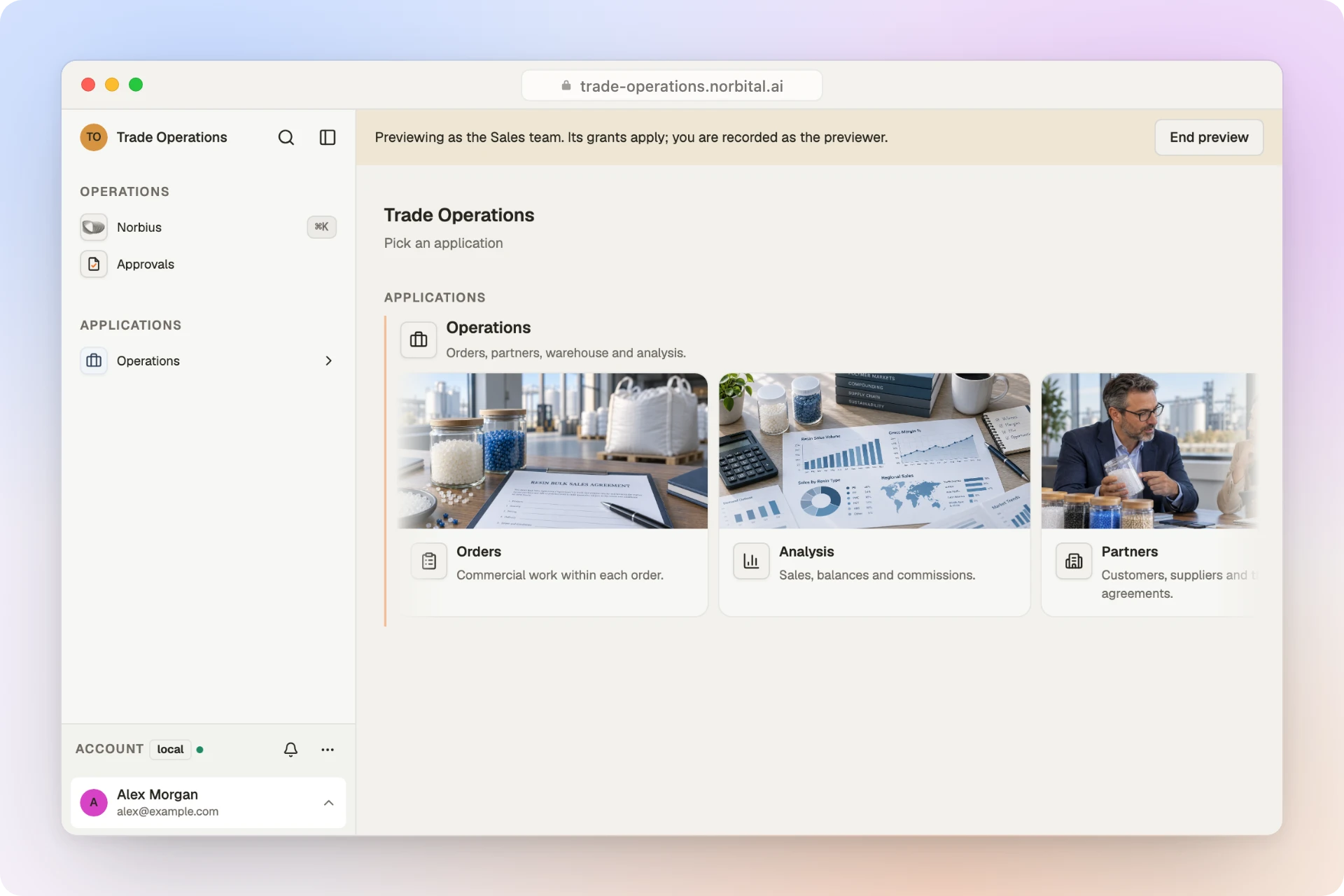
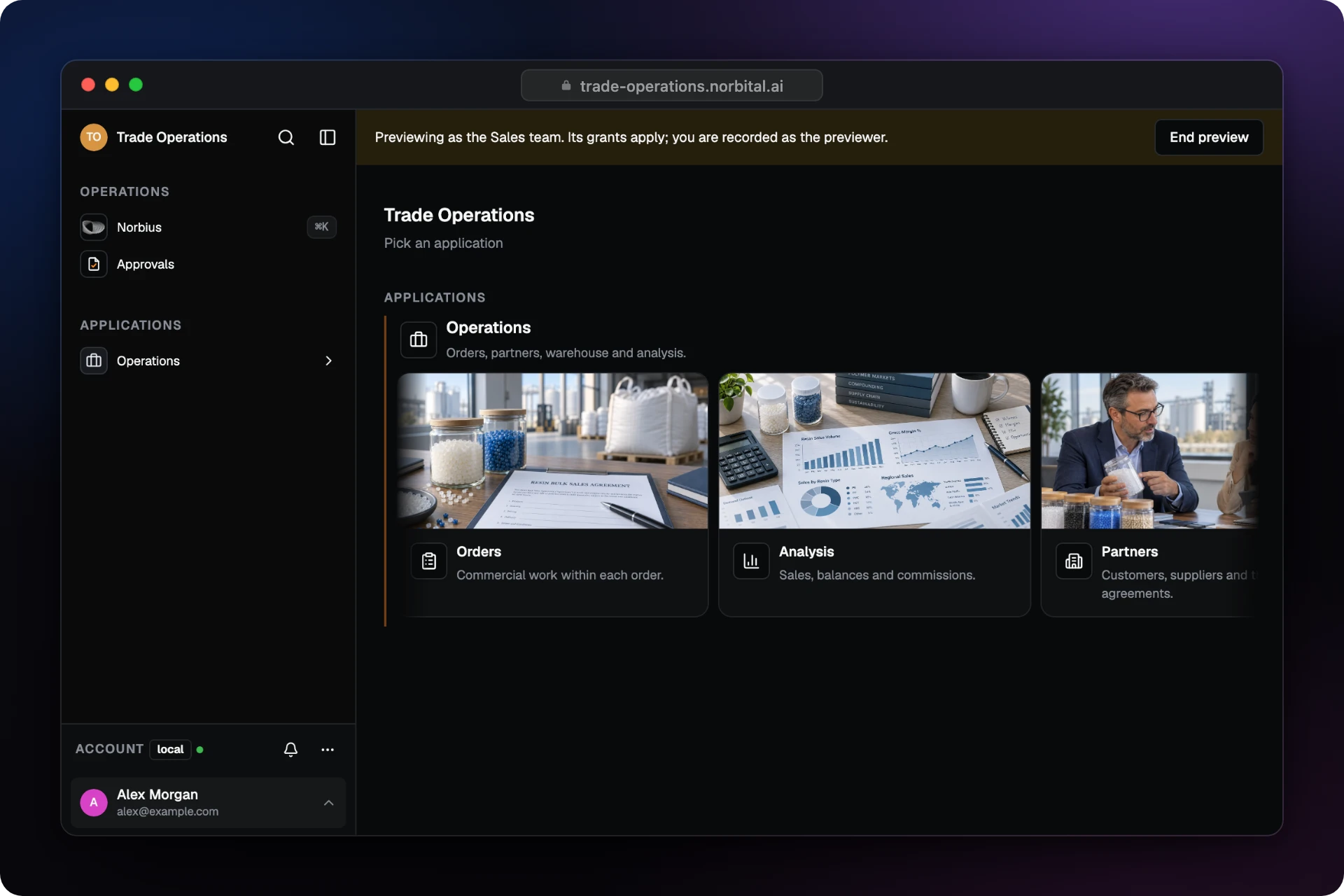
Teams
// seed/public/sys_team.json (field-operations, shortened)
[
	{
		"id": "field_ops_controllers",
		"name": "Field Operations Controllers",
		"policies": ["field_ops_controller"]
	},
	{ "id": "contractors", "name": "Contractor", "policies": ["field_ops_contractor"] }
]
A team is a row: its name, an optional parent and the policies its members hold. An administrator edits teams under Settings → Organization → Teams, and a template's starting teams are seed rows in seed/public/sys_team.json. Source never names a team: code holds one only as an id read from a row. parent arranges teams into a tree that a filter can follow (actor.team_tree). A parent does not get its children's permissions.
To add people, open Command center → People and invite one person, or upload a CSV with email, phone, team and external columns (up to 1,000 rows). Each invitation puts the person in the team it names.
A policy
// src/access_control/policy/+field_ops_contractor.policy.ts (field-operations, shortened)
import { policy } from '@norbital-ai/bolt';

const OWN = { assignee_user_id: { eq: { var: 'actor.id' } } } as const;

export default policy({
	description: 'Self-scoped access to assigned work.',
	capabilities: { apps: ['field_ops_contractor'] },
	grants: {
		job_assignments: {
			outputs: { contractor: { where: OWN } },
			update: {
				fields: ['status', 'amount_charged', 'summary'],
				verdict: function* (changes, ctx) {
					const me = ctx.actor.kind === 'member' ? ctx.actor.id : null;
					const other = changes.findIndex(({ before }) => before.assignee_user_id !== me);
					return other < 0
						? ctx.allow()
						: yield* ctx.refuse('errors.job_not_yours', { row: other });
				}
			}
		},
		photo_evidence: {
			outputs: { contractor: { where: { job_assignment_id: { is: OWN } } } },
			create: { fields: ['job_assignment_id', 'photo'] }
		}
	}
});
This is the contractor policy of the field-operations template. Contractors open one app, read their own jobs through the contractor output, change three columns of a job only if it is theirs, and add photos to their own jobs.
What happens when it runs
- A contractor opens the jobs list. The grant's
wherekeeps only the jobs assigned to them. - They change the summary of one of their jobs. The columns are allowed and the verdict returns
ctx.allow(), so it saves. - They try to change a job assigned to someone else. The verdict refuses with "This job is assigned to someone else.", and nothing changes.
Grants
Under grants, each model can get:
outputs: the outputs its holders read.{}means every row,wherelimits the rows, and a link's name limits the linked rows.history: truealso allows past revisions.createandupdate: optionally thefieldsallowed and averdict.update.moveslists the status changes allowed.delete:{}, or averdict.
A filter can compare against the person asking: { var: 'actor.id' } is their user id, actor.party the customer or supplier record they are, and actor.teams their teams, for a column that links to a team.
Verdicts
A verdict judges the whole batch and gives one of three answers: ctx.allow() saves it, ctx.approve({ steps }) holds it for approval, and yield* ctx.refuse(key, …) refuses it. If any policy the person holds allows the change, it is saved. Otherwise the first approval holds it, or else the first refusal is the answer.
A verdict may read with ctx.query but changes nothing. The model's own transform still runs after it.
One guard per entry point
A grant on a model covers everything read or written through it, including linked and nested rows. When a contractor saves a job with a new photo inside it, only the job grant is checked. Reading photo_evidence on its own is a separate entry point with its own grant.
Capabilities and limits
capabilities lists the apps (or app groups) holders open, the automations they may start by hand, the syncs they may refresh, and the MCP servers and host tools the agent may use for them. Request rates per policy live in +workspace.ts limits, such as limits: { sales: { act: '600/min' } }; defaults apply when you leave one out.
Who holds policies
Members hold policies through their team. An automation declares its own policies. A kiosk app, a public app and an envoy each name theirs. A page or a verdict reads the policies its actor holds from ctx.policies.