Models
Models
A model is one kind of record: a site, a job, an order. One file declares everything about it: its fields, its links to other models, what readers see and which columns can be written.
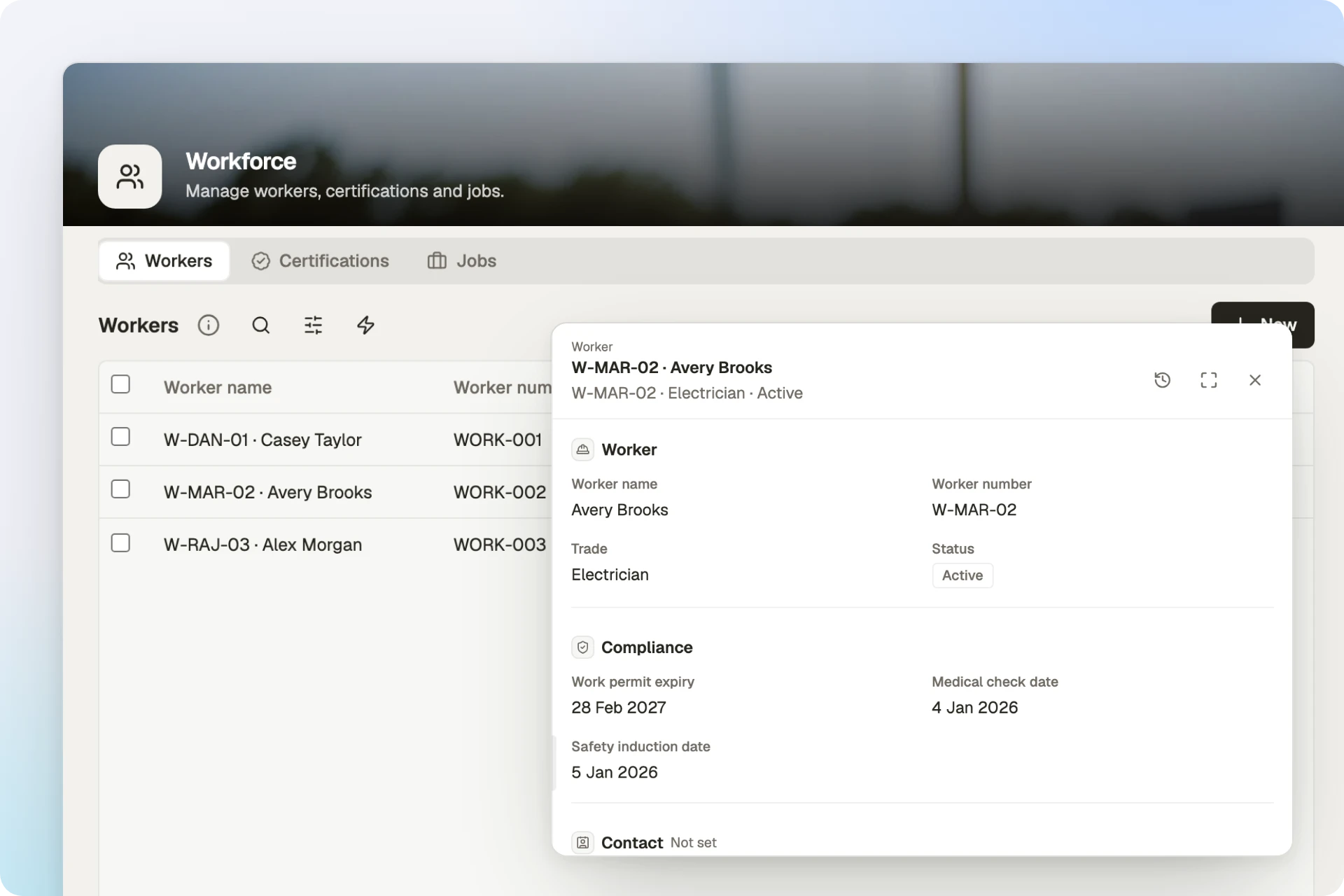
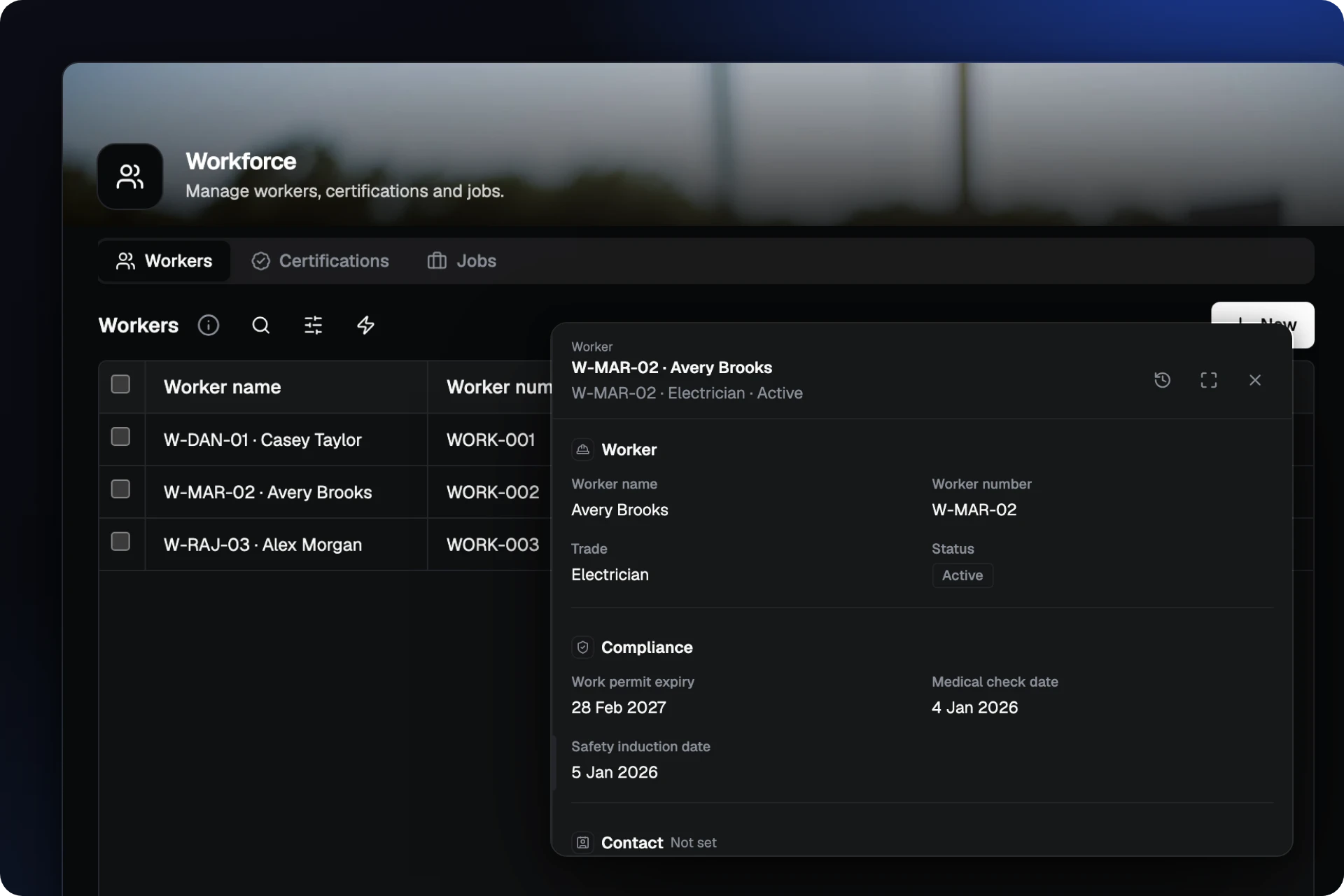
// src/data/model/sites/job_assignments/+model.ts (field-operations, shortened)
import { model } from '@norbital-ai/bolt';

export default model('job_assignments', {
	description: 'One dispatched day job: the work order, who holds it and where it got to.',
	icon: 'lucide:clipboard-check',
	record_label: 'record.title',
	fields: {
		site_id: { kind: 'ref', to: 'sites', inverse: 'job_assignments' },
		assignee_user_id: { kind: 'ref', to: 'sys_user', optional: true },
		title: { kind: 'text' },
		scheduled_for: { kind: 'date' },
		status: { kind: 'enum', values: ['pending', 'completed'], default: 'pending' },
		completed_at: { kind: 'instant', optional: true },
		amount_charged: { kind: 'money', optional: true },
		summary: { kind: 'text', optional: true }
	},
	indexes: { search: { text: ['title', 'summary', 'site_id'] } },
	outputs: {
		default: { fields: 'all', site_id: { fields: ['name', 'address'] } },
		// what a contractor reads: the job, without the site's details
		contractor: {
			fields: ['site_id', 'title', 'scheduled_for', 'status', 'completed_at', 'amount_charged', 'summary']
		}
	},
	create: { fields: ['site_id', 'assignee_user_id', 'title', 'scheduled_for'] },
	update: { fields: ['assignee_user_id', 'status', 'amount_charged', 'summary'] },
	delete: {}
});
This is the job model of the field-operations template, shortened. model comes from @norbital-ai/bolt; its first argument, the model's name, gives every field and callback in the file its type.
What happens when it runs
- A controller opens the jobs table. It reads the
defaultoutput: every field, with each site's name and address. - A contractor opens their app. Their policy grants only the
contractoroutput, so they see the job without the site's details. - Someone types in the search box. The
searchindex matches the title, the summary or the site's name.
Fields
Each field has a kind, such as text, int, bool, money, date, instant, period, enum, state (a lifecycle status paired with transitions), point, ref, seq (a running number like SO-2026-0001) or custom (a type you define). Add optional: true when a value may be missing, default for a starting value and many: true for a list. The API reference lists every kind and option.
Links between models
A ref field points at another model's record. inverse names the list on the other side, so a site lists its job_assignments. on_delete is restrict by default; cascade deletes children with their parent, and set_null clears an optional link. A child with owned: true belongs to its parent: it is written through the parent's form and deleted with it.
What readers see: outputs
outputs declares named shapes for reading. default is the usual one; add others for narrower audiences. Each output lists its fields (or 'all') and, under a link's name, the fields of the linked record. In the example, contractors read the contractor output: the same job without the site's details. A policy decides who may read which output and which rows. It never changes the shape.
Record label
record_label is a short expression that names a record, such as record.title or record.code + ' · ' + record.name. Tables, pickers, links, search and the agent all show it. Without one, a record shows its id.
Locks and status changes
Declare a rule once on the model. Every form, import, sync, automation and agent action then follows it.
// src/data/model/customers/bookings/visits/+model.ts (scheduling, shortened)
fields: {
	status: {
		kind: 'enum',
		values: ['scheduled', 'in_progress', 'done', 'cancelled'],
		default: 'scheduled',
		// which status may follow which
		transitions: {
			scheduled: ['in_progress', 'cancelled'],
			in_progress: ['done'],
			done: [],
			cancelled: []
		}
	},
	// …
},
constraints: {
	// a finished visit is read-only and cannot be deleted
	finished: { locked: { status: { in: ['done', 'cancelled'] } } },
	// one number per visit, with a message people can read
	number: { unique: ['number'], message: 'errors.duplicate_number' }
}
transitions refuses a status change the list does not allow, and the status picker offers only allowed moves. A locked constraint makes matching rows read-only and undeletable; except keeps chosen fields editable. unique and check become database constraints. message names the text a person sees when a rule refuses a change.
A record that matches a locked constraint shows a lock on its page, and its form is read-only except for the fields except keeps editable.
Search
indexes adds text search over chosen fields (a link searches the linked record's label), semantic search over embeddings, or a plain index for fast filters. The search box of every table uses them.
People search from Find and from Norbius. Typing a model's name scopes the search to its records, and an app's name to its pages; /scope query is a shortcut.
Writes: checks and effects
A model has three write verbs: create, update and delete. Each one lists the fields it accepts. It can add a transform, which checks and completes the rows before they are saved, and an effect, which runs after they are saved.
// in src/data/model/sites/job_assignments/+model.ts
update: {
	fields: ['assignee_user_id', 'status', 'amount_charged', 'summary'],
	transform: function* (changes, ctx) {
		// a completed job needs a summary
		const missing = changes.findIndex(({ after }) => after.status === 'completed' && !after.summary);
		if (missing >= 0)
			return yield* ctx.refuse('errors.summary_required', { row: missing, field: 'summary' });
		// the first completion stamps the time
		return changes.map(({ set, after }) =>
			after.status === 'completed' && after.completed_at == null
				? { ...set, completed_at: ctx.now }
				: set
		);
	},
	effect: function* (changes, ctx) {
		const done = changes.filter((c) => c.changed('status') && c.after.status === 'completed');
		if (done.length === 0) return;
		yield* ctx.notify(
			done.map(({ after }) => ({
				title: 'Job completed',
				description: after.title,
				to: [{ policy: 'field_ops_controller' }]
			}))
		);
	}
}
This is the field-operations job model again. A job cannot be marked completed without a summary, the first completion records the time, and controllers get a notice once the change is saved.
What happens when it runs
- A contractor marks a job completed without a summary. The transform refuses; the form highlights Summary with your message, and nothing is saved.
- They add a summary and save again. The transform stamps
completed_atwith the current time, and the job is saved. - After the save, the effect runs in the background and every controller gets a "Job completed" notice.
Transforms
A transform runs inside the write, before anything is saved. It receives the whole batch of changes at once. Each change has before (the stored row, or null for a new one), set (what the writer sent), after (the row as it will be saved) and changed(field). Return one set per change, in the same order, with any derived values added.
A transform may read with ctx.query, but it makes no outside calls and sends no messages. Read once for the whole batch, never inside the loop over rows.
Saying no
return yield* ctx.refuse(key, { row, field, values }) stops the write. key names a message in your catalogue, and row and field point at the problem so the form can highlight it. Nothing in the batch is saved.
Effects
An effect runs after the write is saved, as a background run that retries if it fails. Use it for notices, follow-up jobs (ctx.schedule) and messages. It runs as whoever wrote, with no extra permissions. When the write waits for approval, its effect waits too, and is dropped if the change is rejected.
Write outcomes
A successful write is committed; pending_approval when a policy held it for review; or, on a page, running when it outlives the 60 seconds a person waits and continues in the background. A refusal (ActRefused), a conflict (ActConflict) and an unknown result after a lost connection (ActUnknown) are typed failures. Shared views such as Table and record forms handle all of these for you.
Saving other records with the write
A transform may return { sets, with, on_approved } instead of plain sets. with adds rows of other models to the same commit; they are held, approved and undone together with the write. on_approved adds rows only once the write is approved, which suits ledger and balance entries.
Every path follows the same rules
Forms, tables, imports, syncs, automations, the agent, resubmitted approvals and record restores all pass through the same columns, locks, transforms and policies. A child written inside its parent runs its own transform too. Only seed data and derived totals skip them.
Batches
Every write takes a list of rows, even for one row. A transform handles up to 1,000 rows per call and may read at most 10 times, so read everything the batch needs in one request first.
Next
Reading and writing from pages and automations is in Reading and writing data. Who may write what is in Teams and policies.